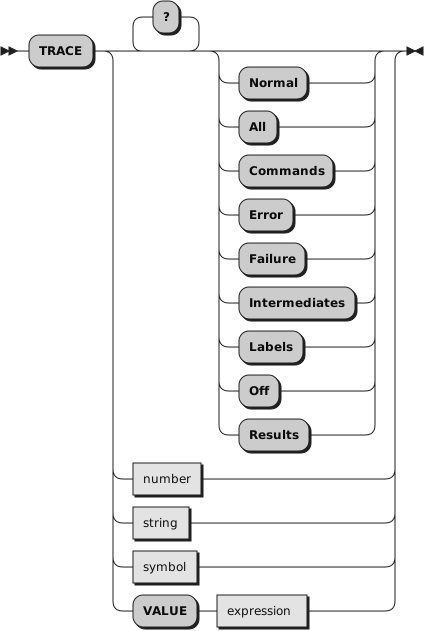
TRACE controls the tracing action (that is, how much is displayed to the
user) during the processing of a Rexx program. Tracing describes some or all
of the clauses in a program, producing descriptions of clauses as they are
processed. TRACE is mainly used for debugging. Its syntax is more concise
than that of other Rexx instructions because TRACE is usually entered manually
during interactive debugging. (This is a form of tracing in which the user
can interact with the language processor while the program is running.)
The option that follows TRACE or the character string that is the result
of evaluating
expression determines the
tracing action. You can omit
the subkeyword VALUE if
expression
does not begin with a symbol or
a literal string, that is, if it starts with a special character, such as
an operator or parenthesis.